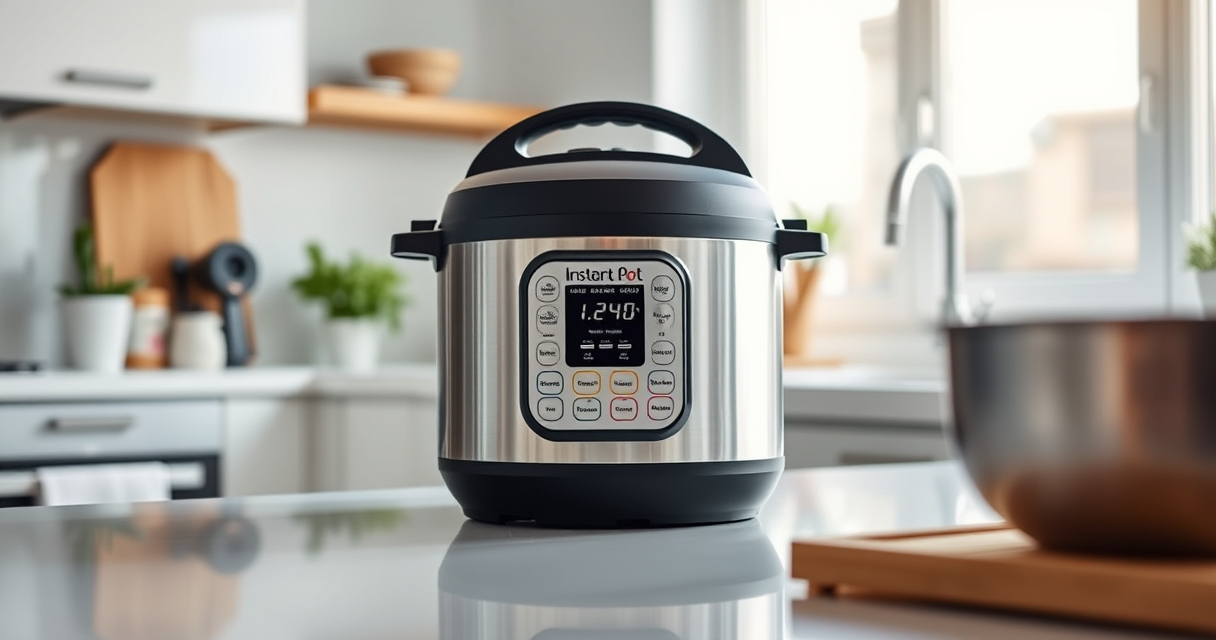

If your Instant Pot keeps displaying a Burn error, it can be frustrating and disrupt your meal prep. This common issue often results from food sticking to the bottom or improper sealing. Fortunately, with some careful troubleshooting, you can resolve this problem and get back to cooking without hassle.

Get kitchen gear delivered free with Prime
- Fast, free delivery on millions of items
- Prime Video, Amazon Music and more included
- Member-only deals all year
Below, you’ll find clear, safe steps to diagnose and fix the Burn error, along with tips to prevent it in future cooking sessions.
Key Takeaways
| Identify cause | Burn errors often stem from food sticking or insufficient liquid. |
| Check sealing | Ensure the sealing ring and lid are properly installed. |
| Layer ingredients | Avoid overcrowding and stir ingredients before cooking. |
| Clean the bottom | Remove any food residue or burnt bits from the inner pot. |
| Adjust liquid levels | Use enough liquid as per recipe to prevent burning. |
Step 1: Turn Off and Release Pressure
- Press ‘Cancel’ or turn off the Instant Pot to stop cooking.
- Carefully release pressure using the quick-release valve to prevent steam buildup.
Step 2: Inspect and Clean the Inner Pot
Remove the inner pot and check for food stuck to the bottom. Clean any residual food or burnt patches with a soft sponge and mild detergent. Make sure the bottom is smooth and free of debris before proceeding.
Step 3: Check the Sealing Ring and Lid
- Ensure the sealing ring is properly seated around the lid and not damaged or deformed.
- Verify that the lid is securely closed and the pressure valve is set to sealing.
Step 4: Adjust Ingredients and Liquid
Make sure your recipe has enough liquid; typically, at least 1 cup for most dishes. Layer ingredients properly, placing denser items at the bottom but avoid overfilling.
Step 5: Restart and Monitor
- Close the lid securely and select the appropriate cooking setting.
- Keep an eye on the initial minutes of cooking to ensure the display doesn’t show Burn again.
Tips and Warnings
- Always use enough liquid to prevent burning—refer to your recipe’s recommendations.
- Do not overfill your Instant Pot beyond the maximum fill line.
- Regularly check the sealing ring for wear and replace if needed.
- If the Burn error persists, consider using a different cooking method or adjusting ingredients.
The Products in This Guide

Instant Pot 4QT RIO Mini 7-in-1 Multi-Cooker
- ✔ Weight: 8.8 lbs
- ✔ Dimensions: 11.5 x 8.7 x 9.4 inches
- ✔ Warranty: 1 year

AOZITA Steamer Basket
- ✔ Weight: 1.2 lbs
- ✔ Dimensions: 9 x 9 x 4 inches
- ✔ Warranty: N/A
Instant Pot 4QT RIO Mini 7-in-1 Multi-Cooker
The Instant Pot 4QT RIO Mini 7-in-1 Multi-Cooker offers versatile functions like pressure cooking, slow cooking, and more, all in a compact size ideal for small households.
Pros:
- 7 cooking functions
- Compact and easy to store
- Modern design with colorful finish
- Cook faster than traditional methods
Cons:
- Limited capacity for large families
- Learning curve for new users
- Requires careful sealing to avoid errors
Best for: Small families, students, singles needing versatile cooking options
Not ideal for: Large batch cooking or big families needing bigger capacity
Bottom line: A compact, multi-functional cooker perfect for small-scale cooking with reliable performance.
AOZITA Steamer Basket
The AOZITA Steamer Basket is a versatile accessory that fits 6-quart or 8-quart Instant Pots, making it easy to steam vegetables, eggs, or even cook multiple dishes simultaneously.
Pros:
- Two-tier design maximizes capacity
- Stainless steel, durable and easy to clean
- Compatible with multiple sizes
- Allows steaming multiple foods at once
Cons:
- Requires extra cleaning of the basket
- May be an additional purchase for some users
- Need to monitor stacking to prevent overcrowding
Best for: Cooking multiple dishes simultaneously, steaming vegetables, eggs, or seafood
Not ideal for: For those who prefer smaller, single-layer steaming options
Bottom line: A sturdy, versatile steamer basket to expand your Instant Pot’s capabilities.
Frequently Asked Questions
Why does my Instant Pot keep showing a Burn error?
The Burn error typically indicates food is sticking to the bottom, insufficient liquid, or the pot is overcrowded. Troubleshooting these issues can often resolve the error.
How can I prevent the Burn error in future cooking?
Ensure enough liquid is used, avoid overfilling, and stir ingredients before sealing. Also, keep the bottom of the inner pot clean and check the sealing ring regularly.
What should I do if cleaning doesn’t fix the Burn error?
Try replacing the sealing ring or the inner pot if damaged. Using a different cooking method or adjusting ingredients may also help.
Is it safe to continue using the Instant Pot after a Burn error?
Yes, as long as you’ve inspected and cleaned the inner pot and sealing components. Always ensure the lid is securely sealed before restarting.
Master Your Instant Pot for Burn-Free Cooking
Dealing with a Burn error can be frustrating, but with careful troubleshooting—cleaning, checking seals, and adjusting ingredients—you can often fix the issue safely. Remember to keep your cooker well-maintained and follow best practices to enjoy faster, safer, and more reliable meals.
Affiliate disclosure: As an Amazon Associate we earn from qualifying purchases. Prices and availability are accurate as of the time of publishing.
Columbus Day / Indigenous Peoples' Day Picks
long weekend sales
As an affiliate, we earn on qualifying purchases.