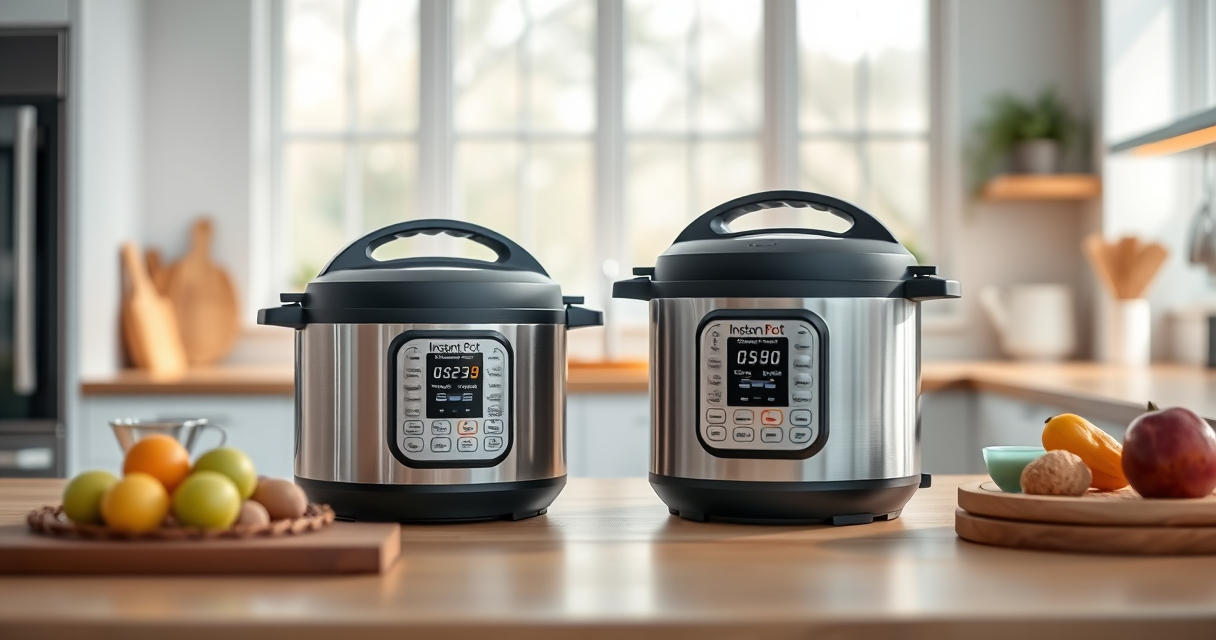

If your Instant Pot displays a burn error, it can be frustrating and disrupt your cooking. This error usually occurs when the cooker detects that food or liquid is burning or stuck, often due to insufficient liquid, food sticking to the bottom, or sealing issues. Fortunately, most causes are fixable with simple troubleshooting steps to get your cooker back in action safely.

Get kitchen gear delivered free with Prime
- Fast, free delivery on millions of items
- Prime Video, Amazon Music and more included
- Member-only deals all year
In this guide, you’ll find clear, practical steps to identify and resolve the burn error, ensuring your meals are cooked perfectly and your pressure cooker remains in good condition.
Key Takeaways
| Main Cause | Insufficient liquid or food stuck to the bottom |
| Key Fix | Add more liquid and scrape the bottom |
| Sealing Check | Ensure sealing ring and lid are properly fitted |
| Cleaning Tip | Regularly clean the bottom and sealing ring |
| Prevention | Follow proper liquid and food layering to avoid burns |
Step 1: Turn Off and Release Pressure
- Press the ‘Cancel’ button to stop cooking.
- Safely release pressure by turning the steam release valve to ‘Venting’ position. Wait until the float valve drops, indicating pressure is released.
Step 2: Inspect and Clean the Inner Pot
- Open the lid carefully after pressure is released.
- Remove the inner pot and inspect the bottom for food residue or burnt spots.
- Wash the inner pot thoroughly with warm soapy water and scrub any stuck food.
Step 3: Add Liquid and Adjust Food Placement
- Add at least 1 to 1.5 cups of liquid if the recipe permits, to ensure there’s enough moisture for pressure buildup.
- Make sure food isn’t packed tightly against the bottom, which can cause burning.
Step 4: Check Sealing Ring and Lid
- Ensure the sealing ring is correctly seated in the lid and is free of tears or debris.
- Check that the lid is securely locked and aligned properly.
Step 5: Restart Cooking and Monitor
- Close the lid properly and set the cooking program again.
- Stay nearby to monitor the first few minutes and prevent burning or overflows.
The Products in This Guide

Instant Pot 4QT RIO Mini 7-in-1 Multi-Cooker
- ✔ Capacity: 4 Quarts
- ✔ Cooking Functions: Pressure cook, slow cook, sauté, steam, rice, yogurt
- ✔ Material: Stainless steel, BPA-free components

AOZITA Steamer Basket
- ✔ Capacity: 2 tiers
- ✔ Material: 18/8 Stainless Steel
- ✔ Compatibility: Fits 6 and 8 Quart Instant Pots
Instant Pot 4QT RIO Mini 7-in-1 Multi-Cooker
This guide provides clear, safe steps to troubleshoot and fix the Instant Pot burn error, helping you cook without interruptions. Regular maintenance and proper liquid levels are key to avoiding future issues.
Pros:
- Simple step-by-step instructions
- Enhances safety and efficiency
- Prevents damage to the cooker
- Easy to follow for beginners
Cons:
- Requires attention to detail
- May need to repeat if problem persists
- Not suitable for recipes with very minimal liquid
Best for: Home cooks experiencing frequent burn errors
Not ideal for: For those using recipes with very low liquid content
Bottom line: Following these troubleshooting steps can quickly resolve burn errors, keeping your Instant Pot in optimal condition.
AOZITA Steamer Basket
The AOZITA Steamer Basket is a versatile addition that helps prevent burn errors by allowing you to cook foods separately from the liquid, reducing the risk of sticking and burning at the bottom.
Pros:
- Two-tier design for multiple foods
- Made of durable stainless steel
- Easy to clean and dishwasher safe
- Improves cooking versatility
Cons:
- Requires extra space inside the pot
- May need adjustments for small models
- Additional clean-up step
Best for: Cooking multiple ingredients simultaneously
Not ideal for: For recipes requiring direct contact with the bottom
Bottom line: This steamer basket makes multi-layer cooking easy, helping avoid burn errors caused by food sticking at the bottom.
Frequently Asked Questions
Why does my Instant Pot display a burn warning?
This typically occurs when the cooker detects food or liquid burning or sticking to the bottom, often due to insufficient liquid or food contact with the pot’s surface.
How can I prevent burn errors in the future?
Ensure there is enough liquid in the recipe, avoid overcrowding food at the bottom, and regularly clean the sealing ring and bottom of the inner pot.
Is it safe to continue cooking after a burn warning?
It’s safer to turn off the cooker, release pressure, and troubleshoot as described before resuming cooking.
Can using a steamer basket help prevent burn errors?
Yes, using a steamer basket can prevent direct contact between food and the bottom of the pot, reducing the risk of burning.
Keep Your Instant Pot Cooking Smoothly
By following these simple troubleshooting steps, you can quickly resolve burn errors and enjoy hassle-free cooking with your Instant Pot. Regular maintenance, proper liquid levels, and using accessories like a steamer basket can help prevent future issues, ensuring your device continues to serve your kitchen needs effectively.
Affiliate disclosure: As an Amazon Associate we earn from qualifying purchases. Prices and availability are accurate as of the time of publishing.
Fall Picks
fall essentials
As an affiliate, we earn on qualifying purchases.