To update your smart grill’s firmware safely, make sure your device has a stable Wi-Fi connection and is connected to power. Follow the app prompts carefully, avoid disconnecting during the process, and don’t turn off the grill. After the update, restart the grill, reconnect it to your network, and verify the firmware version. Taking these steps helps prevent issues, and if you keep going, you’ll find out how to handle potential problems effectively.
Key Takeaways
- Ensure a stable Wi-Fi/Bluetooth connection before initiating the update.
- Follow the manufacturer’s instructions precisely within the official app or control interface.
- Keep the grill powered and connected until the firmware update completes.
- Restart and verify the grill’s firmware version after the update to confirm success.
- Avoid interrupting the process to prevent firmware corruption or device issues.
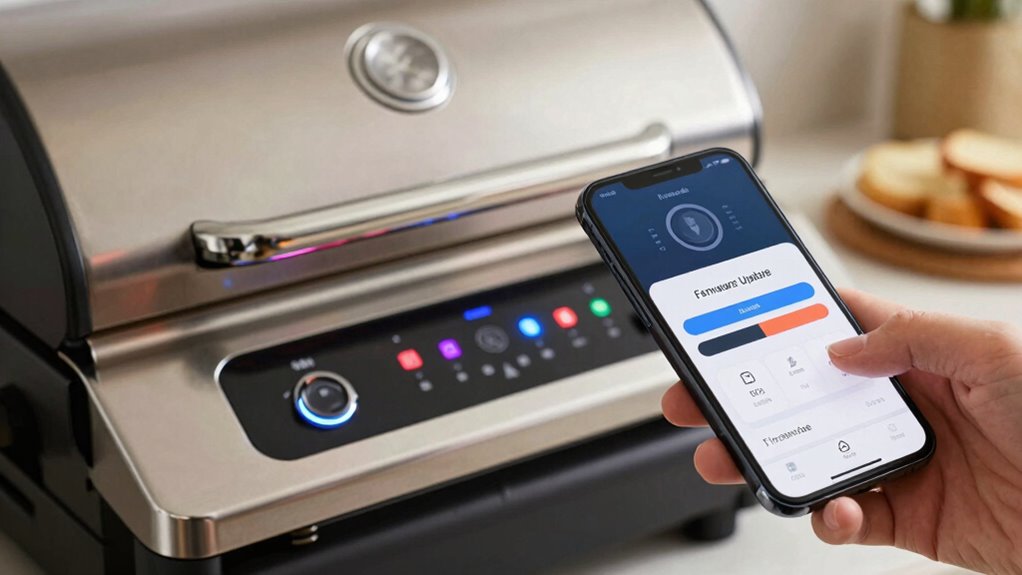
Keeping your smart grill’s firmware up to date guarantees peak performance, security, and access to new features. Firmware updates are vital to ensure your grill runs smoothly, especially as manufacturers improve functionalities and patch security vulnerabilities. To begin, confirm your device has a stable wireless connectivity, as most updates are delivered remotely via Wi-Fi or Bluetooth. Reliable wireless connection prevents interruptions during the update process, reducing the risk of corrupted files or incomplete installations. Before starting, verify that your grill’s firmware is compatible with your home network’s standards. Firmware compatibility varies between models and brands, so consult your user manual or manufacturer’s website to confirm that your device supports the latest updates and your network’s protocols.
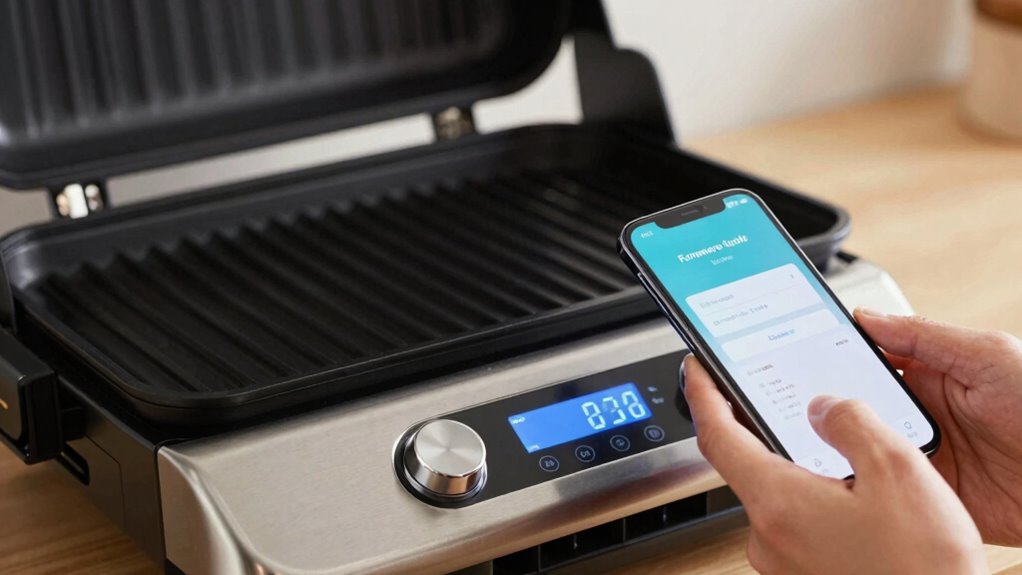
Once you’ve confirmed compatibility, open the official app or control interface associated with your smart grill. These apps typically provide prompts or notifications when a firmware update is available. Make sure your smartphone or tablet is connected to the same wireless network as your grill, and check that your device has sufficient battery life or is plugged into power. This prevents shutdowns during the update, which could render the device inoperable. Follow the in-app instructions carefully—usually, a simple tap on “Update Firmware” initiates the process. During the update, do not turn off your grill or disconnect from the Wi-Fi, as interruptions can cause firmware corruption, requiring technical support or even a factory reset. It’s also helpful to understand the importance of firmware updates to better grasp their role in device security and performance. Additionally, ensuring your device firmware is regularly maintained can help prevent security vulnerabilities over time. Moreover, staying informed about manufacturer recommendations can ensure you follow the most effective update procedures.
While updating, keep in mind that some models may require a specific version of firmware to guarantee compatibility with new features or third-party accessories. If your grill’s manufacturer recommends updating through a dedicated app, follow those steps explicitly, as bypassing official procedures can lead to software conflicts or void your warranty. Post-update, restart your grill and reconnect it to your network to verify that the firmware installation was successful. Check for any new features or improvements listed in the release notes within the app. Additionally, understanding the importance of firmware updates can help you maintain optimal device performance and security. If you encounter issues, consult the troubleshooting section of your user manual or contact customer support. Remember, maintaining good wireless connectivity during updates is essential—poor signal strength can cause failures or incomplete installations, so ensure your network is stable.

WiFi PID Rectangular Controller Kits Replacement for Pit Boss Pellet Grills with Smart Thermostat & Igniter – Fits Onyx, Navigator, Sportsman, Mahogany, Competition, Pro Series & Most 440-1600 Models
WIDE COMPATIBILITY: Designed for Pit Boss grills with rectangular control boards from 440 to 1600 series. Specifically fits…
As an affiliate, we earn on qualifying purchases.
As an affiliate, we earn on qualifying purchases.
Frequently Asked Questions
Can I Downgrade My Smart Grill Firmware if Needed?
Yes, you can usually perform a firmware rollback if needed, but it depends on your grill’s firmware compatibility and manufacturer support. To do this safely, verify the older firmware version is compatible with your device. Carefully follow the manufacturer’s instructions for downgrading firmware, and always back up your current settings beforehand. Keep in mind, improper firmware rollback could cause issues, so proceed cautiously and verify compatibility first.
Will Updating Firmware Erase My Saved Cooking Settings?
Worried about losing your saved cooking settings during a firmware update? Generally, updating your smart grill’s firmware shouldn’t erase your preferences if you follow proper procedures. However, firmware compatibility issues or update troubleshooting steps can sometimes cause data loss. To avoid this, back up your settings beforehand, confirm the update is from a trusted source, and carefully follow the manufacturer’s instructions. Are you prepared to safeguard your favorite cooking profiles?
How Long Does a Typical Firmware Update Take?
A typical firmware update takes about 10 to 20 minutes, depending on your smart grill model and firmware size. During this process, verify firmware compatibility with your device to prevent issues. If you encounter update troubleshooting problems, like interruptions or errors, consult the manufacturer’s support. Patience is key, and avoiding interruptions will help guarantee a smooth update, keeping your smart grill functioning perfectly.
Is It Necessary to Have Wi-Fi During the Update?
Imagine your smart grill as a finely tuned orchestra; Wi-Fi stability during the firmware update guarantees every note plays perfectly. Yes, you need Wi-Fi during the update to maintain a smooth connection, preventing interruptions that could damage firmware compatibility. A stable connection guarantees the update completes without glitches, preserving your grill’s functionality. Keep your Wi-Fi strong and steady, like a conductor guiding the symphony, to assure a seamless firmware upgrade.
What Should I Do if the Update Process Gets Interrupted?
If the update process gets interrupted, stop using the grill immediately to guarantee firmware safety. Check your internet connection and restart the update if possible. If issues persist, consult the manufacturer’s troubleshooting guide for update troubleshooting tips. Avoid turning off the grill abruptly during updates, as this could cause firmware corruption. Contact customer support if problems continue, to prevent further complications and ensure your smart grill operates smoothly.

ProTemp S1 Patented Smart Grill Gauge Thermometer Hub Wi-Fi and Bluetooth for Weber Kamado Joe Grills Smoker Offset Replacement Accessories (Universal Version 3.5"length 0.3"Dia not for Big Green Egg)
Fits Almost Any Grill with Easy Installation – Choose the Universal version for nearly all grills and smokers…
As an affiliate, we earn on qualifying purchases.
As an affiliate, we earn on qualifying purchases.
Conclusion
Now that you know how to update your smart grill’s firmware safely, you’re all set to enjoy perfectly cooked meals without a hitch. Just remember, patience is key—don’t rush the process or unplug mid-update, or you might end up with a “Frankenstein” grill. Think of it like a trusty steed in a medieval tale; care and attention guarantee it remains your culinary companion. Happy grilling, and may your food always turn out charmed!

grilljoy 8PCS BBQ Grill Tools Set with Extra Thick Stainless Steel Spatula, Fork, Tongs & Cleaning Brush – Complete Barbecue Accessories Kit with Portable Bag – Perfect Grill Gifts for Father's Day
Complete Barbecue Accessories: BBQ spatula, fork, tongs, 2 basting brushes, grill cleaning brush, extra brush head and storage…
As an affiliate, we earn on qualifying purchases.
As an affiliate, we earn on qualifying purchases.

Current® Model G Dual Zone Grill, Smart Electric Outdoor Grill with 200-700°F Range for Searing & Roasting, Digital Precision, Independent Heat Zones, Apartment-Friendly & Weather-Resistant, Moon Dust
UP TO 700°F FOR TRUE HIGH-HEAT SEARING: Reaches up to 700°F at the cooking surface for steakhouse-level sear…
As an affiliate, we earn on qualifying purchases.
As an affiliate, we earn on qualifying purchases.