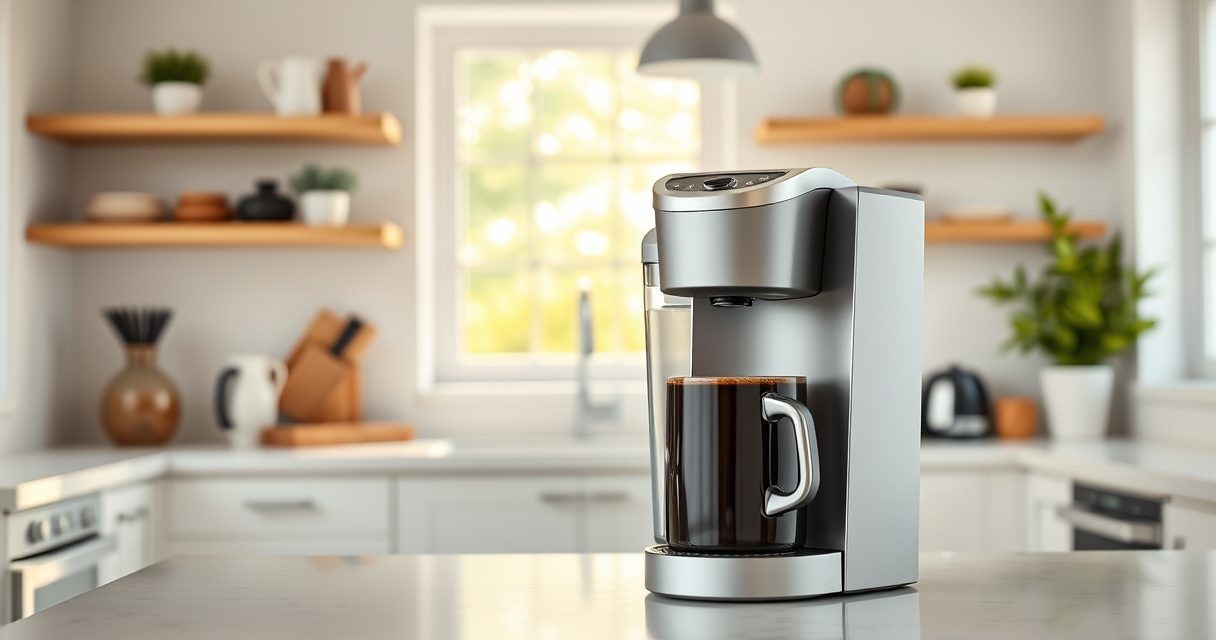

If your Keurig K-Mini Single Serve Coffee Maker isn’t turning on, it can be frustrating, especially when you’re craving a fresh brew. Fortunately, most issues are simple to diagnose and fix with a few straightforward steps. This guide will walk you through the common causes and practical solutions to restore power and get your coffee maker back in action.

Get kitchen gear delivered free with Prime
- Fast, free delivery on millions of items
- Prime Video, Amazon Music and more included
- Member-only deals all year
Before attempting any repairs, ensure your coffee maker is properly plugged in and that your outlet is functioning. Safety first—always disconnect the device before inspecting or cleaning internal parts.
Key Takeaways
| Check power connection | Ensure the machine is plugged in and outlet works. |
| Inspect power cord | Look for damage or loose connections. |
| Reset the machine | Unplug, wait, then plug in again to reset. |
| Examine internal components | Clean or replace faulty parts if needed. |
Verify Power Source and Outlet
- Ensure the coffee maker is firmly plugged into a working electrical outlet.
- Test the outlet by plugging in another device to confirm it’s providing power.
- If the outlet is faulty, try a different socket.
Check the Power Cord and Connections
- Inspect the power cord for visible damage, frays, or cuts.
- Ensure the cord is securely connected to the coffee maker and the outlet.
Reset the Coffee Maker
- Unplug your Keurig K-Mini from the power source.
- Wait at least 30 seconds to allow internal components to reset.
- Plug it back in and press the power button to see if it turns on.
Inspect Internal Components and Clean
- If the machine still won’t power on, carefully open the bottom panel, following the manufacturer’s safety guidelines.
- Check for loose wires or burnt components.
- Clean any dust or debris that might be affecting internal parts.
Further Troubleshooting and Professional Help
If none of the above steps work, consider contacting Keurig customer support or a professional repair service. Do not attempt internal repairs if you’re unsure of your skills, as this could void your warranty or cause injury.
The Products in This Guide

Keurig K-Mini Single Serve K-Cup Pod Coffee Maker
- ✔ Width: Less than 5 inches
- ✔ Brew Range: 6-12oz
- ✔ Color: Black

My K-Cup® Reusable Coffee Filter
- ✔ Material: Plastic & stainless steel
- ✔ Capacity: Single cup
- ✔ Compatibility: Keurig K-Mini
Keurig K-Mini Single Serve K-Cup Pod Coffee Maker
<p>The Keurig K-Mini Single Serve Coffee Maker is a sleek, space-saving device designed for convenience and quick brewing. Its simple design makes troubleshooting easier, and it’s perfect for small kitchens or offices.</p>
Pros:
- Compact size fits small spaces
- Brew any cup size from 6-12oz
- Removable drip tray for travel mugs
- Energy-efficient auto-off
Cons:
- Limited to single serve use
- No on/off button, relies on auto-off
- Requires regular descaling for optimal performance
Best for: Small kitchens, dorms, travel
Not ideal for: Multiple users or high-volume brewing
Bottom line: A compact, reliable coffee maker perfect for limited space and quick brews.
My K-Cup® Reusable Coffee Filter
<p>The My K-Cup® Reusable Coffee Filter allows you to brew your favorite ground coffee in your Keurig, providing flexibility and cost savings. It’s compatible with the K-Mini and other models, making it a versatile addition for coffee enthusiasts.</p>
Pros:
- Use your own ground coffee
- Cost-effective and eco-friendly
- Easy to clean and reuse
- Compatible with multiple Keurig models
Cons:
- Requires measuring and filling each time
- May need thorough cleaning to prevent clogging
- Not suitable for flavored coffee pods
Best for: Custom ground coffee lovers
Not ideal for: Quick, single-use brewing
Bottom line: A practical reusable filter for brewing ground coffee easily.
Frequently Asked Questions
Why won’t my Keurig K-Mini turn on?
It may be due to a power issue, damaged cord, or internal component failure. Follow the troubleshooting steps to identify the cause.
How do I reset my Keurig K-Mini?
Unplug the machine, wait 30 seconds, then plug it back in and press the power button.
Can I troubleshoot internal components myself?
Only if you have experience with electronics. Otherwise, contact professional repair services or Keurig support.
What is the auto-off feature?
The auto-off feature turns the machine off 90 seconds after your last brew to save energy.
Getting Your Keurig K-Mini Back in Action
Most power issues with the Keurig K-Mini are straightforward to resolve by checking the power source, resetting, and inspecting internal connections. If problems persist, professional help may be needed. With proper maintenance and careful troubleshooting, your coffee maker can serve you reliably for years to come.
Affiliate disclosure: As an Amazon Associate we earn from qualifying purchases. Prices and availability are accurate as of the time of publishing.
Halloween Picks
halloween
As an affiliate, we earn on qualifying purchases.