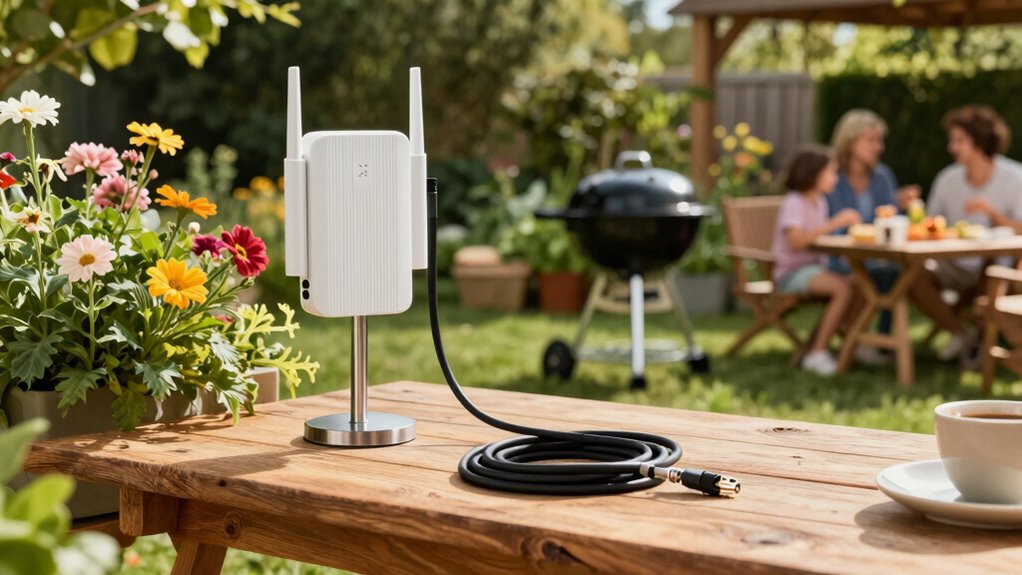
To improve WiFi at your outdoor cooking station, position your router centrally indoors and elevate it on a shelf or wall mount for better coverage. Keep it away from metal objects, large appliances, and interference sources like microwaves or cordless phones. Use extenders or a mesh system to boost signal range over larger areas. Upgrading to a modern router with beamforming can also enhance outdoor signals. Explore these tips further to guarantee strong, reliable WiFi where you need it most.
Key Takeaways
- Position the router centrally indoors and elevate it on a shelf or wall mount for better outdoor coverage.
- Use WiFi extenders or mesh systems placed midway between the router and outdoor station to boost signal range.
- Choose a WiFi channel with less interference by adjusting settings to avoid congestion from nearby networks.
- Upgrade to a modern router with external antennas or beamforming technology for focused outdoor signals.
- Minimize interference from electronic devices and thick obstacles near the outdoor cooking area for clearer signal transmission.
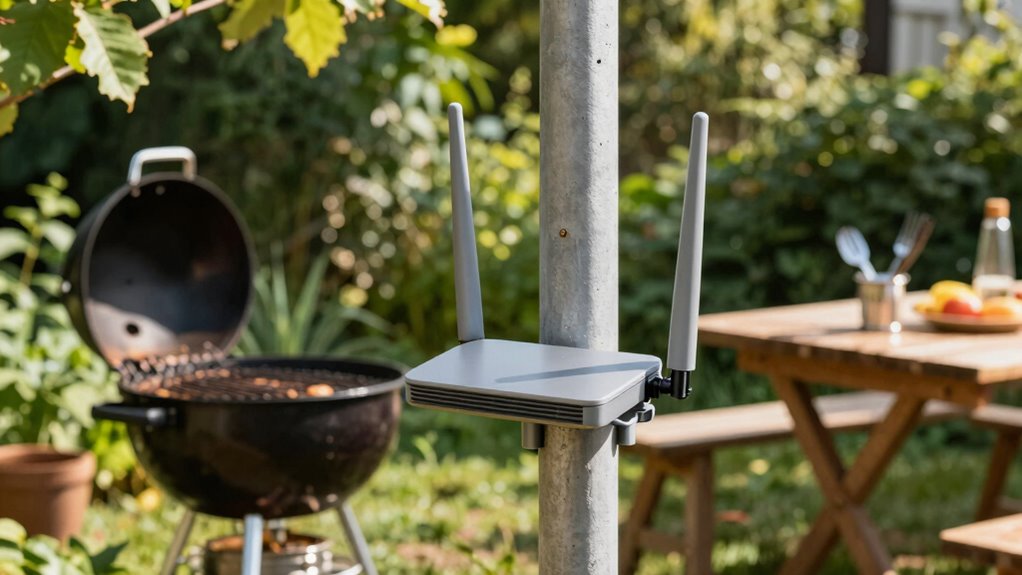
Setting up a reliable WiFi connection at your outdoor cooking station can be challenging, especially with interference from outdoor elements and obstacles. To get the best signal, you need to pay attention to router placement. Position your router in a central location, ideally indoors, close to the area where you’ll be cooking or relaxing outside. Elevate the router on a shelf or mount it higher up on a wall, so the signal can spread more evenly across your space. Avoid placing the router on the ground or behind thick walls, metal objects, or dense foliage, as these can weaken the signal. Keep it away from large metal appliances, grills, or other electronics that might cause signal interference.
Understanding how signal interference works helps you improve your WiFi at your outdoor cooking station. Interference occurs when other devices or obstacles disrupt the wireless signal, leading to slower speeds and dropped connections. Common sources include cordless phones, Bluetooth devices, microwave ovens, and neighboring WiFi networks. To minimize this, try to keep your router away from these devices. If you live in a densely populated area, changing your WiFi channel can help reduce interference from nearby networks. Most routers let you switch channels through their settings, so take the time to select the one with the least congestion. Effective channel selection can significantly improve your connection quality. Additionally, implementing proper interference mitigation strategies can help maintain a strong and stable connection outdoors.
Reducing interference by relocating your router and changing WiFi channels improves outdoor connection stability.
Another effective way to boost your WiFi signal is to use a WiFi range extender or mesh network system. These devices amplify or distribute your WiFi signal more evenly across your outdoor space, ensuring fewer dead zones. Position the extender or mesh node halfway between your router and the outdoor cooking station, where it can pick up a strong signal and rebroadcast it. This setup can considerably improve connectivity, especially if your outdoor space is large or has many obstacles. Additionally, understanding radio frequency interference can help you identify and mitigate sources of signal disruption more effectively. Upgrading to routers with advanced technologies, such as beamforming, can focus the signal directly toward your outdoor area, further enhancing your connection.
Finally, consider upgrading your router if it’s outdated. Modern routers have better antennas and support higher speeds, which can make a noticeable difference outdoors. Look for routers with external antennas or beamforming technology, which focus the WiFi signal directly towards your outdoor area. Keeping your firmware updated also helps optimize performance and security. With these adjustments—smart router placement, reducing interference, and possibly upgrading your equipment—you’ll enjoy a more stable, faster WiFi connection at your outdoor cooking station.
WiFi range extender for outdoor use
As an affiliate, we earn on qualifying purchases.
As an affiliate, we earn on qualifying purchases.
Frequently Asked Questions
Can Weather Conditions Affect Outdoor Wifi Signals?
Yes, weather conditions can affect your outdoor WiFi signals. Rain, snow, or fog can cause signal degradation by interfering with the wireless signals. To minimize this, guarantee proper weather protection for your router and outdoor equipment. Shielding your devices from moisture and extreme weather helps maintain a stronger connection. Keep an eye on weather forecasts, and consider using weatherproof gear to prevent signal issues during adverse conditions.
What’s the Best Router Placement for Outdoor Areas?
To optimize your outdoor WiFi signal, place your router in a central, elevated spot away from obstructions like thick walls or metal objects. Keep it outdoors or in a weatherproof enclosure if possible, ensuring minimal interference. Use router placement techniques such as angling antennas correctly and avoiding electronic devices that cause signal disruptions. This approach enhances signal strength and coverage, delivering reliable WiFi at your outdoor cooking station.
How Do I Prevent Wifi Interference From Other Devices?
To prevent WiFi interference from other devices, you should use device shielding to block signals from unwanted electronics. Keep your WiFi router away from appliances, Bluetooth devices, and microwave ovens, which can cause interference. Signal boosting with a range extender or higher-gain antenna can also help maintain a strong connection. Regularly updating your router’s firmware ensures peak performance, reducing the chances of interference and keeping your outdoor cooking station connected smoothly.
Are There Portable Wifi Solutions for Outdoor Cooking Stations?
Yes, you can definitely deploy portable routers and WiFi extenders for outdoor cooking stations. These devices deliver dependable, device-friendly, and durable signals directly to your outdoor setup. With a portable router, you get a compact, convenient connection hub, while WiFi extenders amplify your signal strength. Together, they guarantee seamless streaming, cooking, and communicating, keeping your outdoor culinary adventures connected and convenient without sacrificing signal stability.
How Often Should I Update My Outdoor Wifi Equipment?
You should update your outdoor WiFi equipment regularly, ideally every 6 to 12 months. This includes upgrading firmware to improve security and performance, and checking for updates from your device manufacturer. Additionally, consider installing signal boosters or range extenders to enhance coverage. Frequent updates guarantee your outdoor WiFi stays reliable, secure, and capable of handling increased usage at your outdoor cooking station.
mesh WiFi system for large outdoor areas
As an affiliate, we earn on qualifying purchases.
As an affiliate, we earn on qualifying purchases.
Conclusion
So, after all your effort, you might find yourself enjoying a perfectly cooked meal… while struggling to stream your favorite playlist or share a photo of your masterpiece. Ironically, the very outdoor setup meant to bring everyone together can turn into a WiFi dead zone. But with a few simple tweaks, you’ll be back online faster than you can say “grill master,” making your outdoor cooking station the true tech haven it was meant to be.
outdoor WiFi router with beamforming
As an affiliate, we earn on qualifying purchases.
As an affiliate, we earn on qualifying purchases.
WiFi signal booster for outdoor cooking station
As an affiliate, we earn on qualifying purchases.
As an affiliate, we earn on qualifying purchases.