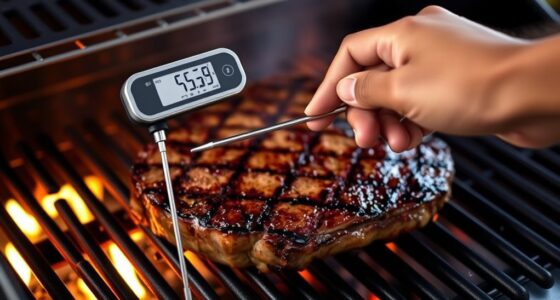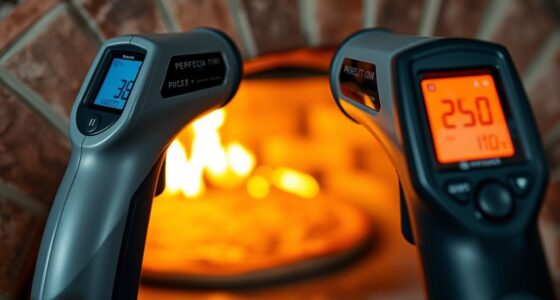
Controlling your grill with Alexa makes outdoor cooking safer, more convenient, and fun. You can adjust temperature, monitor cooking progress, and even pause your grill hands-free, all through voice commands. Setting up a compatible smart grill and connecting it to your Alexa device creates a seamless backyard ecosystem. To maximize these benefits and troubleshoot common issues, explore how to enhance your outdoor space and improve your voice control system. Keep exploring to discover all the ways you can upgrade your grilling experience.
Key Takeaways
- Connect your smart grill to Alexa via the manufacturer’s app and enable the relevant Alexa skill for voice control.
- Use voice commands to start, stop, adjust temperature, and monitor grilling progress hands-free.
- Integrate outdoor smart accessories like lighting, weather stations, and sensors for a comprehensive outdoor environment.
- Troubleshoot connectivity issues by checking Wi-Fi strength, updating firmware, and re-linking Alexa skills if needed.
- Regularly maintain both the grill and connected devices for optimal performance, safety, and seamless voice control.
Understanding the Benefits of Voice-Controlled Grilling

Voice-controlled grilling offers a hands-free way to manage your barbecue, making the cooking process more convenient and safer. Unlike traditional grilling, which relies on manual control, voice commands let you adjust heat, check temperatures, or pause cooking without leaving your spot by the grill. This minimizes the risk of accidents and keeps you focused on your food. With voice control, you don’t need to juggle tools or constantly reach for knobs, reducing the chance of burns or spills. It also helps maintain consistent temperatures, leading to better results. Overall, voice-activated grilling simplifies the process, allowing you to stay engaged with your guests while confidently managing your grill. It’s a modern upgrade that enhances safety, convenience, and cooking precision.
Choosing the Right Smart Grill for Alexa Compatibility

Choosing a smart grill that’s compatible with Alexa can considerably enhance your outdoor cooking experience. Focus on smart grill features like Wi-Fi connectivity, app control, and voice command integration to make grilling more convenient. Look for models that offer precise temperature control and real-time monitoring to ensure perfect results. Additionally, consider how easy the grill is to maintain; features like removable parts and automated cleaning functions can simplify grill maintenance. Compatibility with Alexa means you can start, stop, and adjust your grill hands-free, saving you time and effort. Make sure to check that the grill’s app is user-friendly and integrates seamlessly with Alexa. By choosing a smart grill with these features, you’ll enjoy a smoother, more enjoyable grilling experience every time.
Setting Up Your Smart Home Ecosystem for Outdoor Cooking
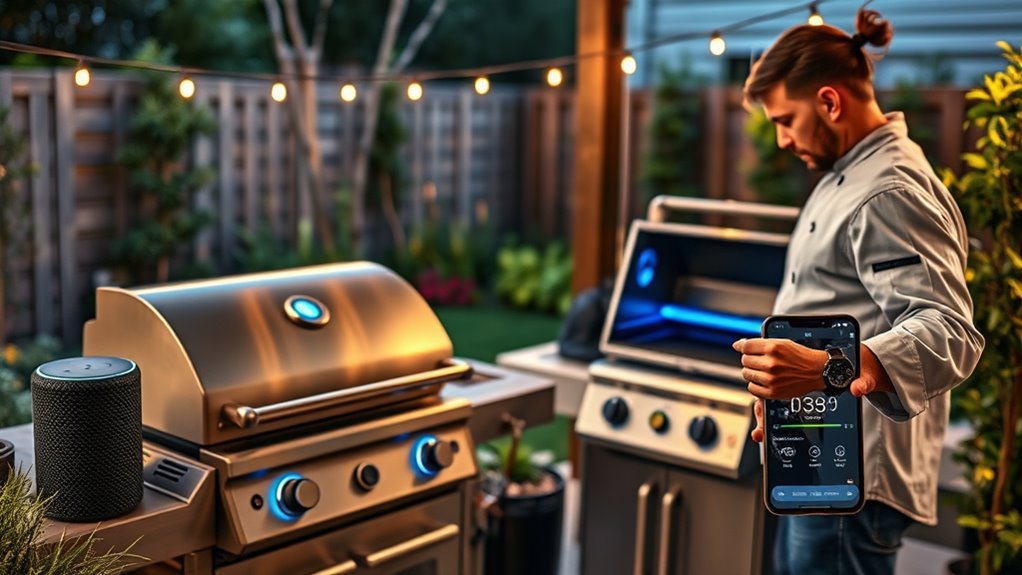
Creating a seamless outdoor cooking experience starts with setting up a well-integrated smart home ecosystem. You’ll want to connect your smart security system to monitor your patio and ensure safety during outdoor cooking. Indoor lighting automation can extend to your outdoor space, allowing you to control lights remotely or set schedules for ambiance and visibility. To optimize your setup, consider this table:
| Smart Home Feature | Purpose |
|---|---|
| Security Cameras | Monitor your outdoor cooking area |
| Smart Locks | Secure gates and storage areas |
| Automated Lighting | Enhance visibility and atmosphere |
| Voice Assistant Integration | Control everything hands-free |
Connecting Your Grill to Alexa: Step-by-Step Guide

Once your smart home ecosystem is set up for outdoor cooking, connecting your grill to Alexa makes it even easier to manage your grilling sessions. Start by making sure your grill supports smart connectivity or has a compatible smart controller. Download the manufacturer’s app and follow the pairing instructions to connect your grill to Wi-Fi. In the app, enable the Alexa skill for your grill brand and link your accounts. Once linked, discover devices in the Alexa app. You can now control your grill with voice commands, such as turning it on or off, or adjusting temperature. Additionally, you can sync outdoor lighting to create a relaxing ambiance during grilling. Remember, regular grill maintenance ensures best performance and safety when using smart controls.
Creating Custom Voice Commands for Your BBQ Sessions

To make your grilling experience even more seamless, you can set up custom voice commands that fit your specific BBQ routines. Voice command customization allows you to tailor commands to match your preferences, making your interactions more intuitive. For example, you can create commands like “Start my BBQ” to preheat the grill or “Check the temperature” to get updates on your meat’s doneness. By customizing commands, you streamline your grilling routine, reducing the need for manual adjustments and guesses. This level of personalization helps optimize your grilling sessions, ensuring you stay focused on your cookout rather than fiddling with controls. With simple voice commands, you’ll enjoy faster, more efficient grilling, making your BBQ sessions more enjoyable and stress-free.
Automating Temperature and Cooking Time With Alexa

Integrating Alexa to automate your grill’s temperature and cooking time can considerably enhance your BBQ experience. By setting up smart routines, you can keep your grill at a precise temperature without constant monitoring, ensuring perfect results every time. This automation allows you to focus on other tasks, like adjusting indoor lighting or managing your smart home security, while your grill maintains ideal heat. You can create voice commands to start, stop, or modify cooking settings instantly. Alexa’s integration streamlines your grilling process, making it more efficient and less stressful. With these smart automations, your backyard becomes a seamless extension of your smart home, where controlling the environment and ensuring food is cooked just right go hand in hand.
Enhancing Safety and Monitoring During Grilling

Enhancing safety and monitoring during grilling is crucial to preventing accidents and ensuring perfectly cooked food. Regular grill maintenance helps identify issues like gas leaks or worn parts that could cause hazards. Using smart technology, you can set alerts for temperature fluctuations or unsafe conditions, allowing you to respond quickly. Monitoring heat levels ensures your meat is cooked precisely, avoiding overcooking or undercooking. Additionally, safety features like automatic shutoff can turn off the grill if unsafe conditions are detected. To boost flavor enhancement, maintaining a clean grill prevents flare-ups caused by grease buildup, which also improves safety. By combining diligent grill maintenance with smart monitoring, you create a safer grilling environment while achieving delicious, flavorful results every time.
Troubleshooting Common Integration Issues

When your smart home setup isn’t cooperating, connectivity glitches can be frustrating, but they’re often quick fixes. Voice command errors might also occur, making it hard to control your devices seamlessly. Fortunately, troubleshooting these common issues can get your smart BBQ system running smoothly again.
Connectivity Glitches
Connectivity glitches can disrupt your smart home BBQ setup, making it frustrating to control your devices seamlessly. These issues often stem from unstable networks or privacy concerns that interfere with device communication. To troubleshoot, start by checking your Wi-Fi signal strength, ensuring your network is stable enough to handle multiple devices. Next, review your router settings for any restrictions or firewalls that might block integration with Alexa. Finally, consider updating your device firmware and the Alexa app, as outdated software can cause connection drops. Remember, maintaining a secure network is vital; weak security settings may lead to privacy concerns or intermittent connections. By addressing these core issues, you can improve network stability and enjoy smooth, reliable control over your smart grill.
Voice Command Errors
Voice command errors can be frustrating, especially when your smart home BBQ isn’t responding as expected. Often, these issues stem from voice mismatch or command misinterpretation. To troubleshoot, verify your Alexa understands your commands clearly. Sometimes, changing your phrasing helps reduce errors.
| Issue | Solution |
|---|---|
| Voice mismatch | Speak clearly and use consistent phrasing |
| Command misinterpretation | Use specific keywords and avoid background noise |
| Recognition errors | Re-train Alexa with your voice profile |
Double-check your device connections and update the Alexa app regularly. If problems persist, resetting your smart grill or re-linking the skill often resolves these common errors. Clear communication makes controlling your grill with Alexa seamless.
Exploring Additional Smart Accessories for Outdoor Cooking
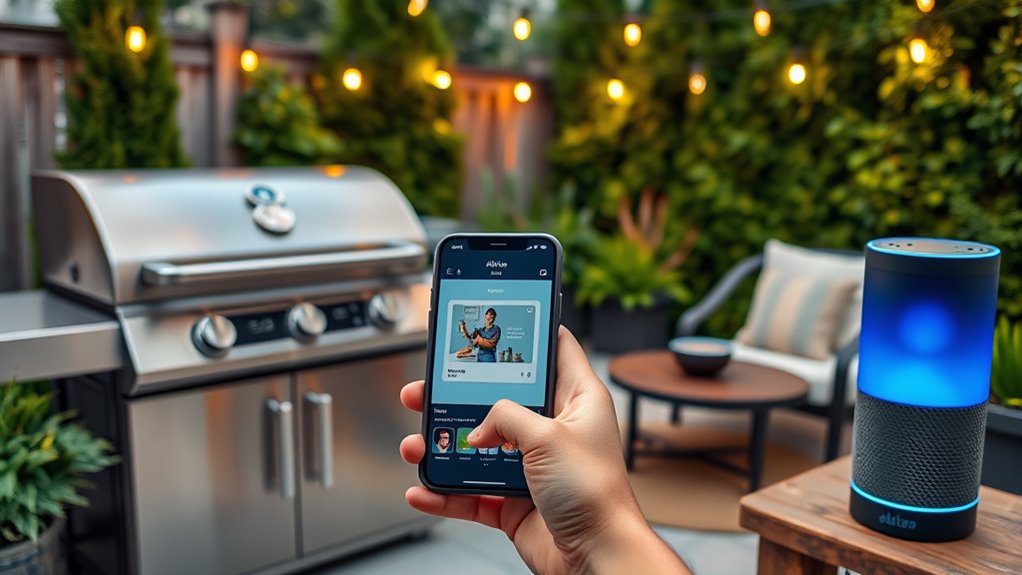
Adding smart accessories to your outdoor cooking setup can substantially enhance your grilling experience. These tools not only improve convenience but also create a more enjoyable environment. For example, a smart garden system helps you monitor soil moisture and plant health remotely, ensuring your herbs and vegetables are ready for grilling. Outdoor lighting controlled via Alexa lets you set the perfect ambiance, whether for daytime cookouts or evening gatherings. Additionally, smart weather stations provide real-time forecasts, so you can plan your cookout without surprises. Here are some top accessories to contemplate:
- Smart garden sensors for ideal planting conditions
- Automated outdoor lighting for customizable ambiance
- Weather stations for accurate outdoor forecasts
These accessories make outdoor cooking smarter, safer, and more enjoyable.
Tips for Making the Most of Voice-Controlled Grilling
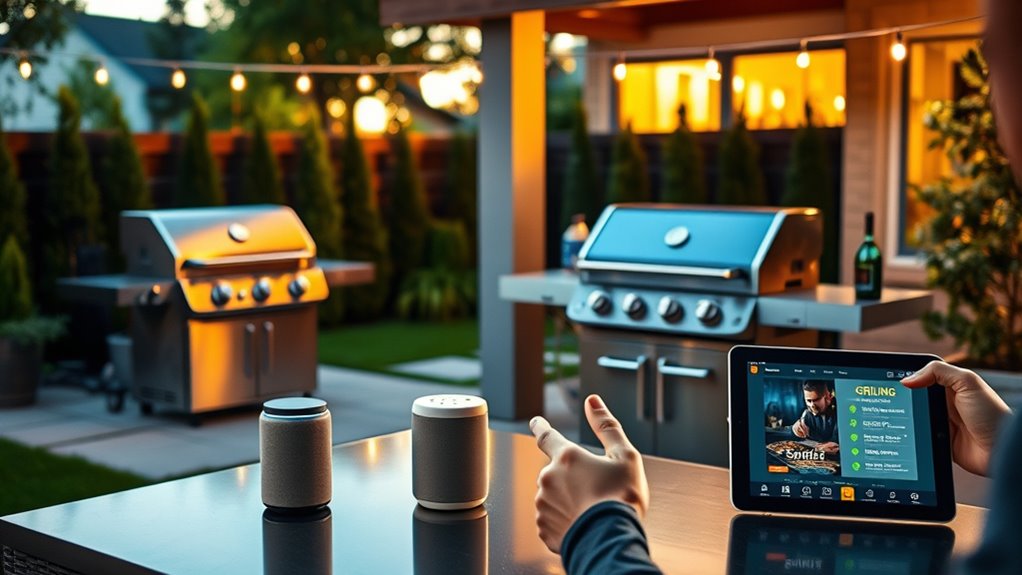
To get the most out of voice-controlled grilling, start by familiarizing yourself with your smart assistant’s commands and features. This ensures you can easily adjust temperatures, set timers, or check cooking progress without interrupting your seasonal grilling plans. Regular grill maintenance, like cleaning grates and inspecting burners, improves efficiency and safety, making voice commands more reliable. Use voice controls to monitor cooking times precisely, preventing overcooking or undercooking. Incorporate voice commands into your routine, especially during busy outdoor gatherings, to stay focused on your guests. Planning ahead with voice prompts helps you manage multiple dishes simultaneously. By combining proper grill maintenance with smart voice controls, you’ll enjoy a smoother, more efficient grilling experience year-round.
Frequently Asked Questions
Can I Control Multiple Grills With a Single Alexa Device?
Yes, you can control multiple grills with a single Alexa device. By setting up multiple devices in your Alexa app, you enable voice synchronization across them. This allows you to manage each grill individually or simultaneously, making your grilling experience seamless. Just guarantee each grill is compatible with Alexa and properly connected. With this setup, you get effortless control over your multiple devices, all through simple voice commands.
Is There a Way to Monitor Grill Temperature Remotely via Voice?
Yes, you can monitor your grill temperature remotely via voice. Many smart grills and compatible probes support remote temperature monitoring, allowing you to check temps through your Alexa device. You can also customize voice commands for quick updates, like asking, “What’s the grill temperature?” This setup helps you stay informed without needing to be right next to the grill, making your BBQ experience more convenient and controlled.
What Privacy Concerns Exist When Using Voice-Controlled Outdoor Appliances?
When using voice-controlled outdoor appliances, you should be aware of voice data security risks, as your conversations might be unintentionally recorded or stored. There’s also a concern about unauthorized access, where someone could hack into your smart system and control your devices. To protect yourself, make sure your Wi-Fi and smart device passwords are strong, keep firmware updated, and review privacy settings regularly. This helps minimize potential privacy breaches.
How Do I Update Firmware on My Smart Grill?
Think of firmware updates as a fresh coat of paint for your grill, keeping it shiny and efficient. To update, first check your grill’s compatibility with the latest firmware. Then, connect to Wi-Fi, open the app, and navigate to the firmware update section. Follow the prompts to install the update. Regular firmware updates ensure your smart grill’s performance stays excellent and compatible with new features, making every cookout seamless.
Can Voice Commands Be Customized for Different Types of Grilling?
Yes, you can customize voice commands for different grilling styles. You simply need to access your smart grill’s app or Alexa app to set up voice command customization. This allows you to create specific commands tailored to your grilling style preferences, like “set grill to medium” for medium-rare or “increase heat” for searing. Custom commands make your grilling experience more precise and personalized, giving you full control through voice.
Conclusion
So, now you’re basically a BBQ wizard with a voice command away, turning grilling into a high-tech spectacle. Just remember, no matter how smart your grill is, it still can’t tell you when your burger’s actually perfect—so don’t get too cocky. Embrace the future of outdoor cooking, but keep a spatula handy. After all, even the smartest tech can’t replace a good ol’ backyard barbecue… or can it?